Tweaking Unity in Ubuntu12.04
I’m still not a fan of the Unity interface in Ubuntu but for fast systems with touch and a big screen it finally (12.04) feels better then the first Ubuntu 11.04 that shipped with it. Spotify, Dropbox and Chrome are just a few clicks away. One of the things I still miss in the default Ubuntu setup is an easy way to see the system load and temperatures.
This solves that in the panel/indicator:
sudo add-apt-repository ppa:indicator-multiload/stable-daily
sudo apt-get update
sudo apt-get install indicator-multiload
Then you can start it with indicator-multiload It will integrate into the top panel. Nice…

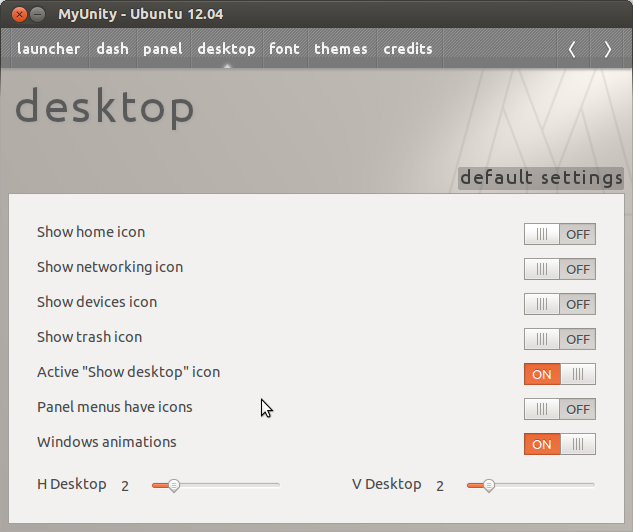
Another quit handy tool (a shame it isn’t available in 12.10) -> myUnity. It lets you tweak some of the settings with ease. It can quickly change font, theme desktop and dash appearance settings.
Tags
Computerz linux