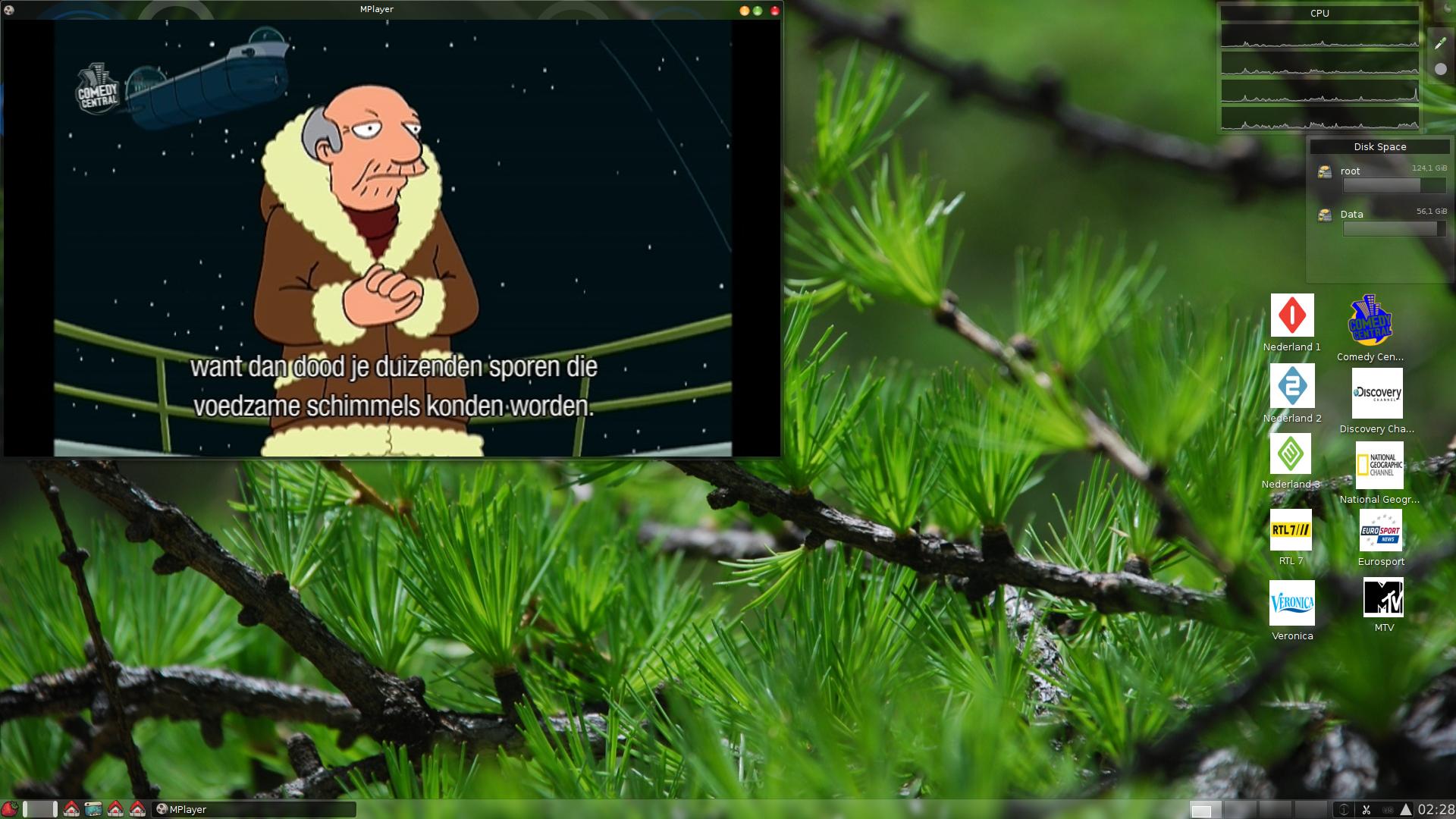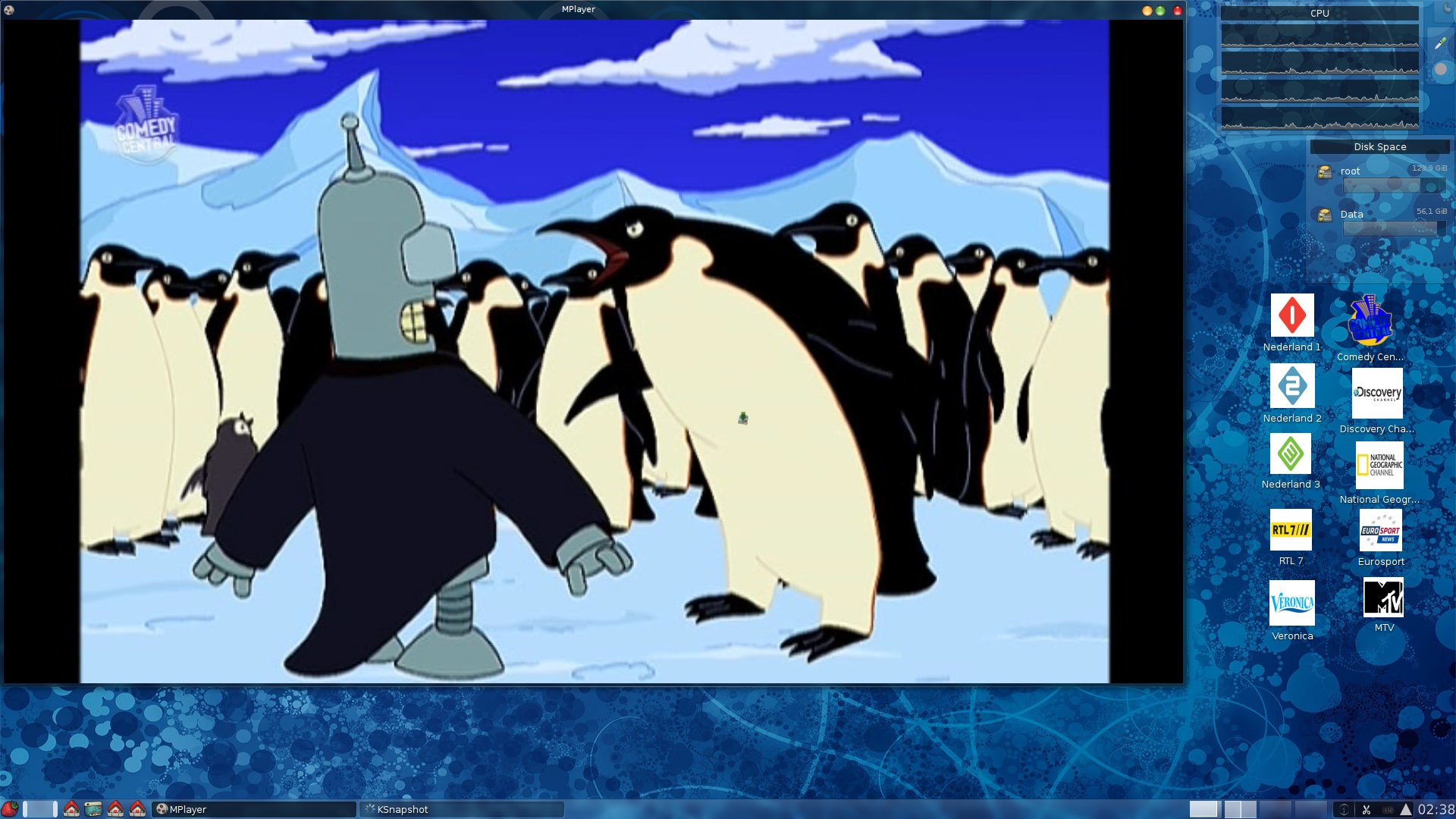
Some scripts to watch and record TV
With the new N7 netwerktuner from anysee you get an very flexible tv watching/streaming solution. It delivers it TV via the netwrok as an MPEG2 stream. You can watch television then for example with VLC or mplayer.
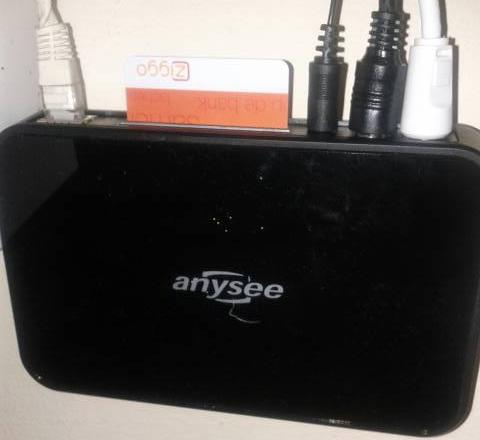
Because I want to start watching and recording fast from my linux of mac boxes i wrote 2 handy shell scripts to launch a viewer or to start recording. I put them in /usr/local/bin and did a chmod +x
Script 1
I called it: [tv]{.title-ref}
#!/bin/bash
killall mplayer
mplayer -nocache -ao sdl http://ip_number_of_n7:8080/chlist/$1
Script 2
I called it: [record]{.title-ref}
#!/bin/bash
mplayer -nocache -ao sdl http://ip_number_of_n7:8080/chlist/$1 -dumpstream -dumpfile ~/record.mpg
Usage:
Of course you have to fill in the IP number of the N7 yourself. But after that it’s easy..
Now you can watch television by typing the following command in a console (without the $):
tv 0012This starts mplayer and tunes to channel 12
or
record 0001This records channel 1 into your home folder ->record.mpg It’s even possible to open the dumpfile in mplayer while recording and watch it live. So record AND watching simultaneously :)
I then added some items to my kde menu for the channels I watch most. I
used the icons of the channels for it.